

Top 4 Apps For Easy Wireless File Transfer From PC to Phone
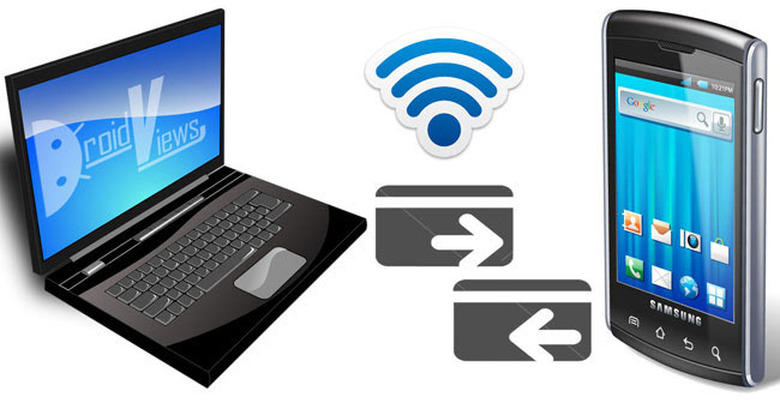
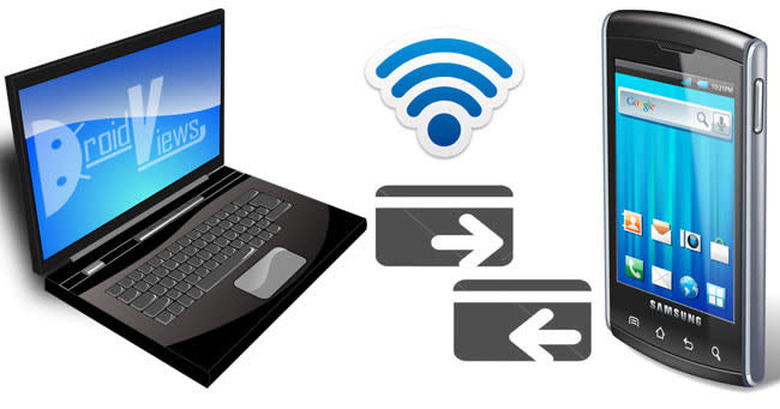
It's true that we have most of our important files stored in our laptop or desktop. But what if we need our favorite tune while on the go or an important office document for an urgent client meeting? With the use of smartphones gaining momentum lately, it is impossible to part with our mobile devices- and it's only natural that every now and then we would need our important files from PC to our mobile phones. The great bit is that there is a series of apps today that will help with easy wireless file transfer from PC to Phone.
- SHAREit-
The SHAREit for PC has to be the first on the list as it assures the speediest file sharing between a PC and mobile phone. If you have NFC or Bluetooth connectivity in your system, you can anyday start using the app & avail its great facilities on your PC. After the app is downloaded & installed, you will find an easy UI opening up. There will be two options- Send & Receive. You will click on "Connect Android Device". Then, you will open the application on Android & press on "CONNECT PC". After you select the PC option, the app will set a connection between your PC & Android mobile so that you can enjoy seamless file transfer between each other. It's available for Mac and Windows 7/8 as well as XP versions.
- AirDroid
This is my another favorite when it comes to Wireless file transfer from PC to mobile. It allows the user to receive/send SMS, view notifications & there are a slew of other interesting features. The great bit is that the AirDroid guys are presently working out on ways that will control Android & use popular apps such as WhatsApp or WeChat.
- Pushbullet
Much like the previous option mentioned above, Pushbullet will allow you to receive/send SMS messages from PC to mobile device. Besides, it will enable you to copy-paste links from your smartphone to desktop, view notifications and the app even helps with file transfers. The app will work regardless of your data network so that you can always check messages and transfer files from just anywhere.
- SuperBeam
This app is designed to connect the devices over Wi-Fi. It means, to use it, you have to have your PC and mobile phone on same Wi-Fi connection. You will enjoy its neat & clean interface which makes it user-friendly. The app can even connect the devices with QR code scan or NFC, if needed. The great part is that, SuperBeam will keep log of all the file transfers done so that you can have a thorough idea on the files transferred previously.
In conclusion
In conclusion it should be stressed here that most of the apps mentioned above are free to download. The only paid app in the list is SuperBeam but then again it's just $0.99- so it's a fairly win-win situation for you.