

What is the best PC gaming controller?
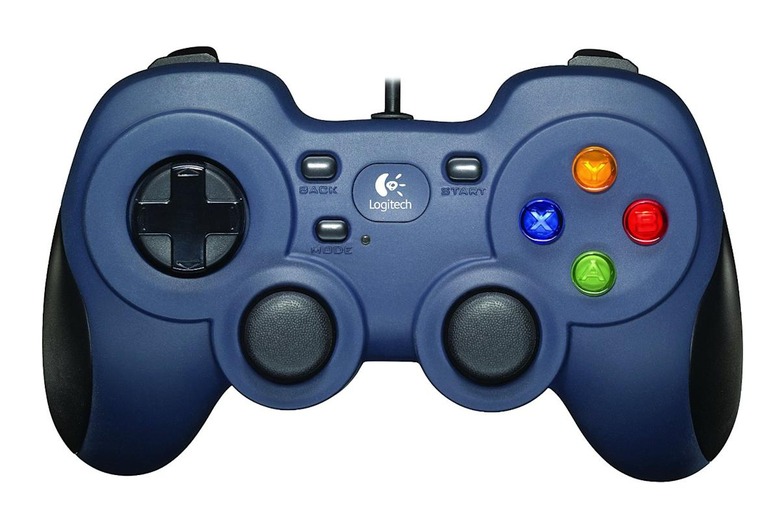
Gaming on PC should theoretically be the most enjoyable experience possible. The PC platform is far more open than consoles, and gives you access to a wide variety of control methods. You have keyboard and mouse as the go-to option, but for gamers transitioning from exclusively console gaming to PC – or those just looking to expand their PC gaming after years of using consoles, what controller should you go with?
There are many options out there, with some being by traditional PC companies like Logitech and others being released by console-makers as well. One thing you have to consider is your budget. If you're on a shoestring budget, then getting something under $50 can be tough – but not impossible. The Logitech 310 is a viable controller option at that price range and comes with some interesting features.
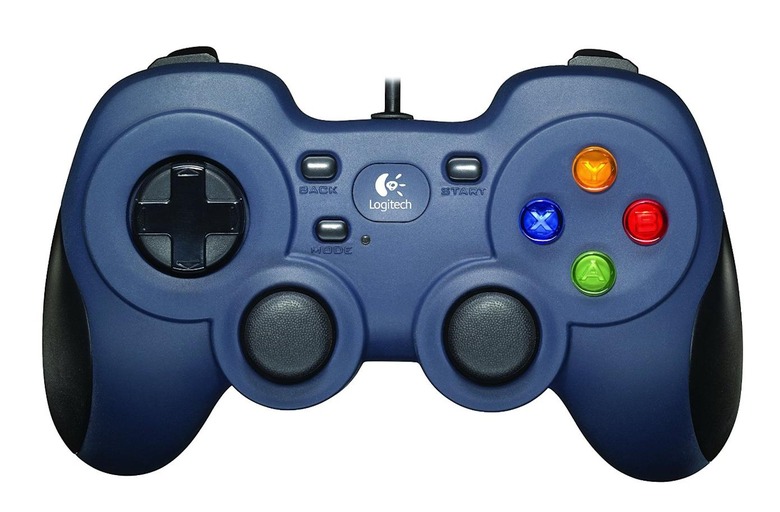
It has a switch on it to enable either direct input or XInput, making it a very versatile option. You can use direct input for games that don't use the XInput standard, and the controller includes software to map buttons to games that would otherwise work with just a keyboard – so if you have sold older pre-Steam games or things that just don't support XInput controllers, this is a fantastic option. The d-pad feels a bit odd, but you can get used to it quickly. The triggers are unique – and stand out compared to a usual Xbox 360/Xbox One style or the Dual Shock 3 and 4. They are raised like the DS4's, but at a very high angle – so you do have to get used to your hands being at a different angle. The stubby hand grips are also bulkier than most, but do fit your index and pinky fingers perfectly. It's a very functional, if imperfect controller – but the best value at around $20. For slightly more, you can get an Xbox 360 controller.
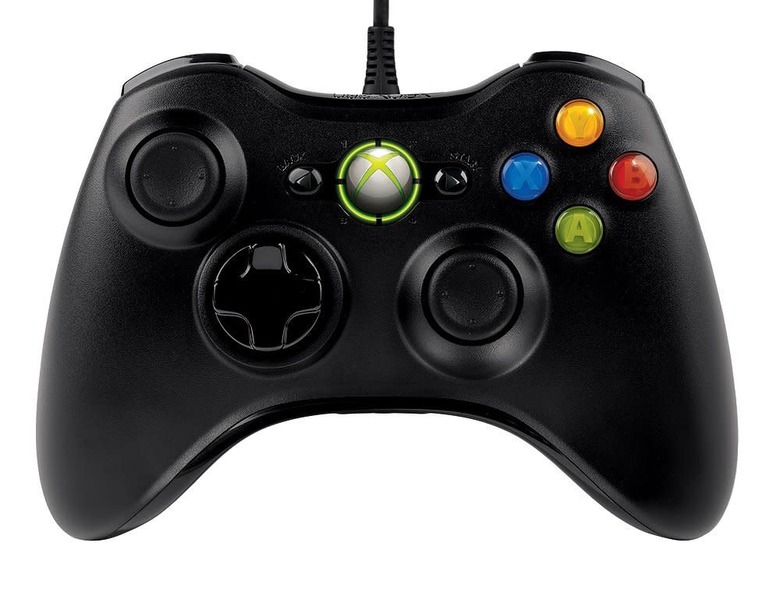
The Steam era of PC gaming has largely used the Xbox 360 controller as its standard, and a wired version of the controller is in the $25 range nowadays. It's a very comfortable controller, but one that suffers from a very still d-pad that makes platforming tougher on both PC and 360 games. If you want to go with a wireless variant, you can get the transforming d-pad – but that will take the price closer to $50. So for under $30, the wired option is your best bet if you don't need to worry about direct input games at all. The newer Xbox One controller works just fine on PCs as well, and unlike the 360, even its wireless version can be plugged into a standard USB port to function as a PC pad.
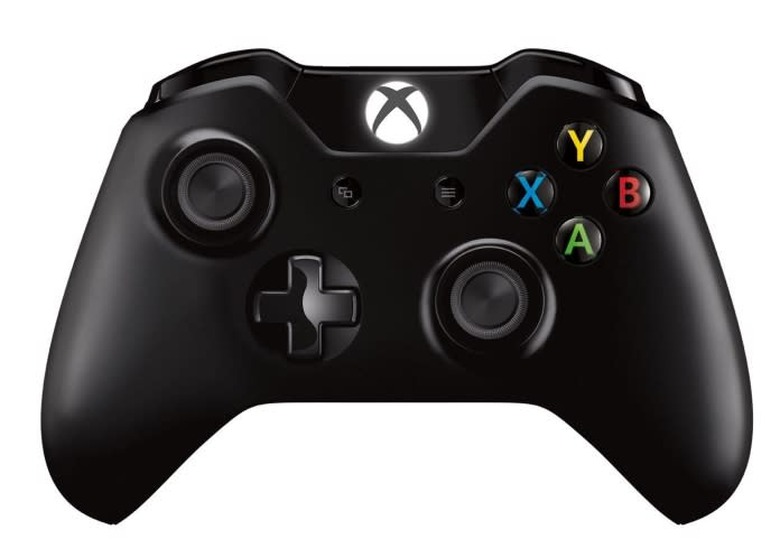
A wired Xbox One pad will set you back around $50, while a wireless one is $60. However, if you already have a wireless Xbox One controller alongside an Xbox One console, you can just use that. Just plug it in with any standard micro-USB and you're set for 99% of games. Just about everything that accepts XInput should recognize the Xbox One controller without a problem – but there are occasional examples of this not being the case. It's very rare though, and for any AAA-level games, it won't be an issue. For lower-end indie titles though, problems can crop up.
As a controller, the Xbox One pad features far more comfortable thumbsticks and superior pulse triggers that immerse you more into the action. For racing games, you'll get more vibration as you race along the road and for shooters, you'll get a more tactile response for each shot fired. The revamped d-pad is the real winner here, and makes playing platformers a breeze with it. Depending on how old your Xbox One controller is, your bumpers will vary. The original run of the controller had a very rigid and hard to move bumper that wasn't very conducive to pressing quickly. Your fingers had to be arranged perfectly to even register a press, and it was fixed in 2015 with a redone design that was more like the Xbox 360's bumper setup where you could press it from multiple angles. The Xbox One controller is probably the best overall option now, with the Elite controller being a much pricier option.
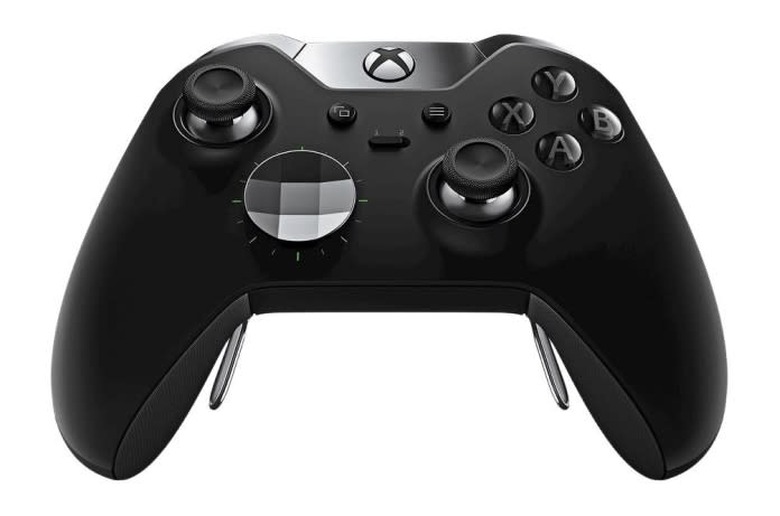
At $150, this is the most expensive mainstream controller on the market today. It is a huge upgrade from the regular Xbox One controller and features a swappable d-pad that is both great for regular games, and also great for item-picking when you put the circular disc over it. You can also swap out the stick tips – so if you have a preference for those, you can go with your ideal versions. The metal-heavy construction showcases the best build quality of a console controller to date, and the optional paddles on the back enable you to map any function you so desire to them for optimal gameplay. If you want to make one of them a hotkey of sorts, go right ahead.
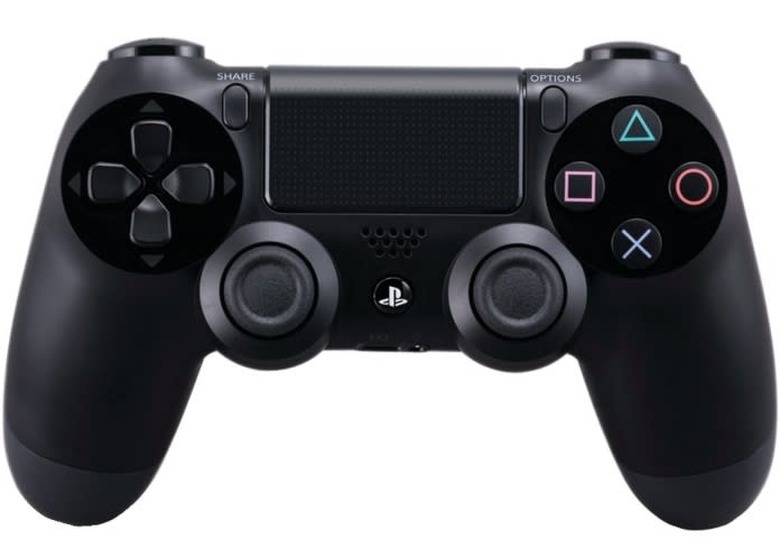
Sony's Dual Shock 4 is an interesting option for PC gamers – albeit one that isn't officially supported with drivers. The DS4Windows driver setup should theoretically give you XInput controls with the Dual Shock 4, with the added benefit of being able to use the touchpad as a mouse pointer. In execution, you will likely run into far more compatibility issues with the DS4 pad than an Xbox One controller, and while it does have outstanding hand grips, it isn't the best overall controller for many games. The triggers are better than the Dual Shock 3's, but aren't as good as any Xbox controller and the small Options and Share buttons are hard to press to use as makeshift Start and Select buttons.
In the end, the best PC gaming controller for you is going to come down to just what you want it to do and how much you have to spend. For overall value, the Logitech 310 can't be beat. For those seeking a more comfortable controller, a wired 360 controller is the best under-$30 option. Anyone with a budget of $50 and above should consider an Xbox One controller, while those with a lot of money to spend should gran an Elite controller. The Dual Shock 4 isn't a bad option if you already have one, but isn't going to work for every game you throw at it – and it is held back by unofficial drivers and some iffy buttons as well.